
Repair damaged old photos and remove scratches
Upload a scan to reduce scratches, creases or stains. Compare the repaired area with the original print.
Add photos to the batch
Drop your photos here or select files from your device.
Up to 8 images for bulk processing
Multiple photos
Scratch repair queue
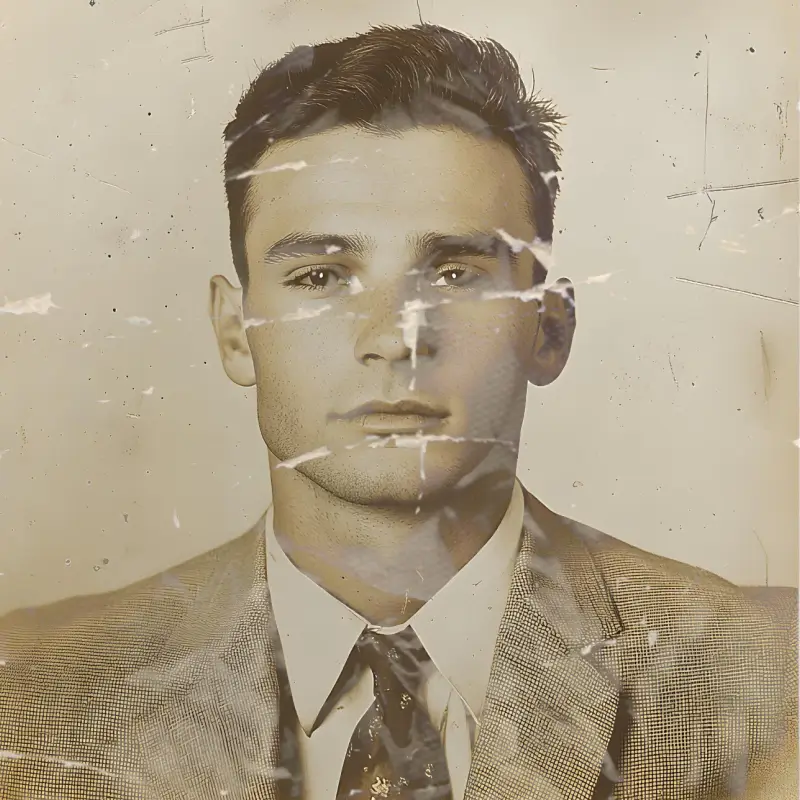
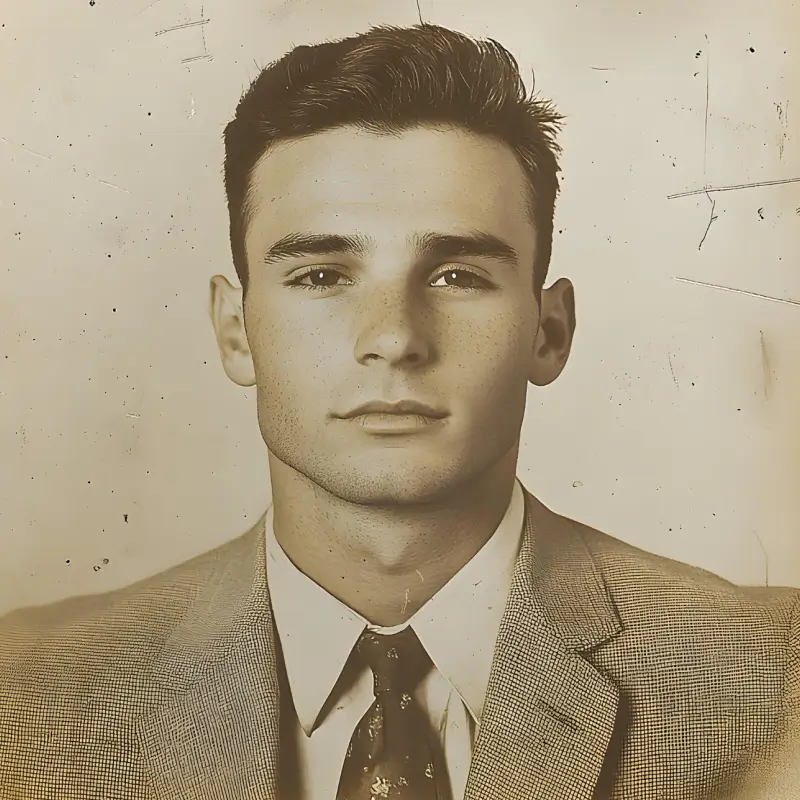
Repair Old Photos Damaged by Scratches, Tears, and Spots
Do you have old photographs with bent corners, scratches, dust, stains, or sun damage? Use AI Repair to reduce visible marks, improve face clarity, unblur soft areas, and recover cleaner details for digital sharing or archiving.
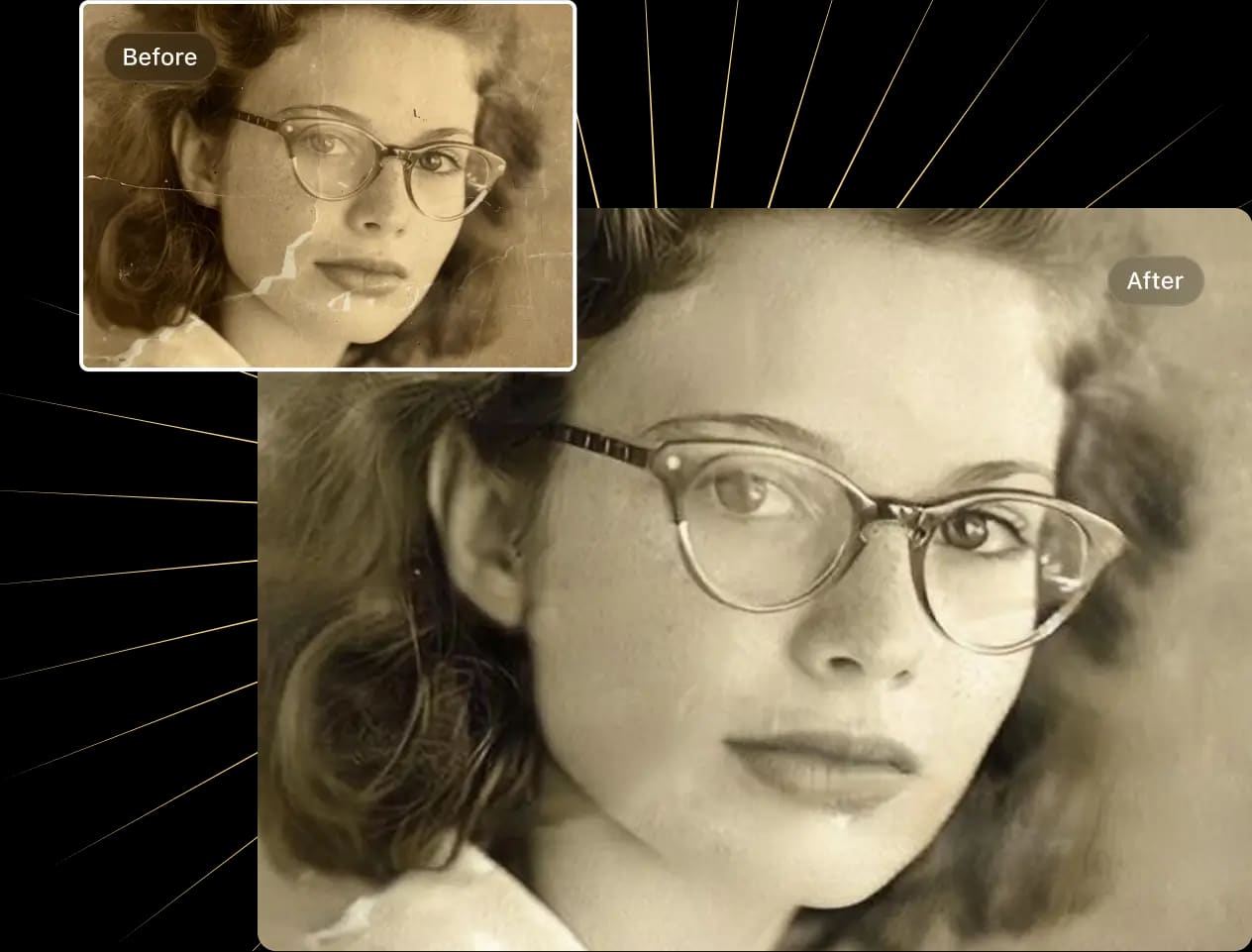
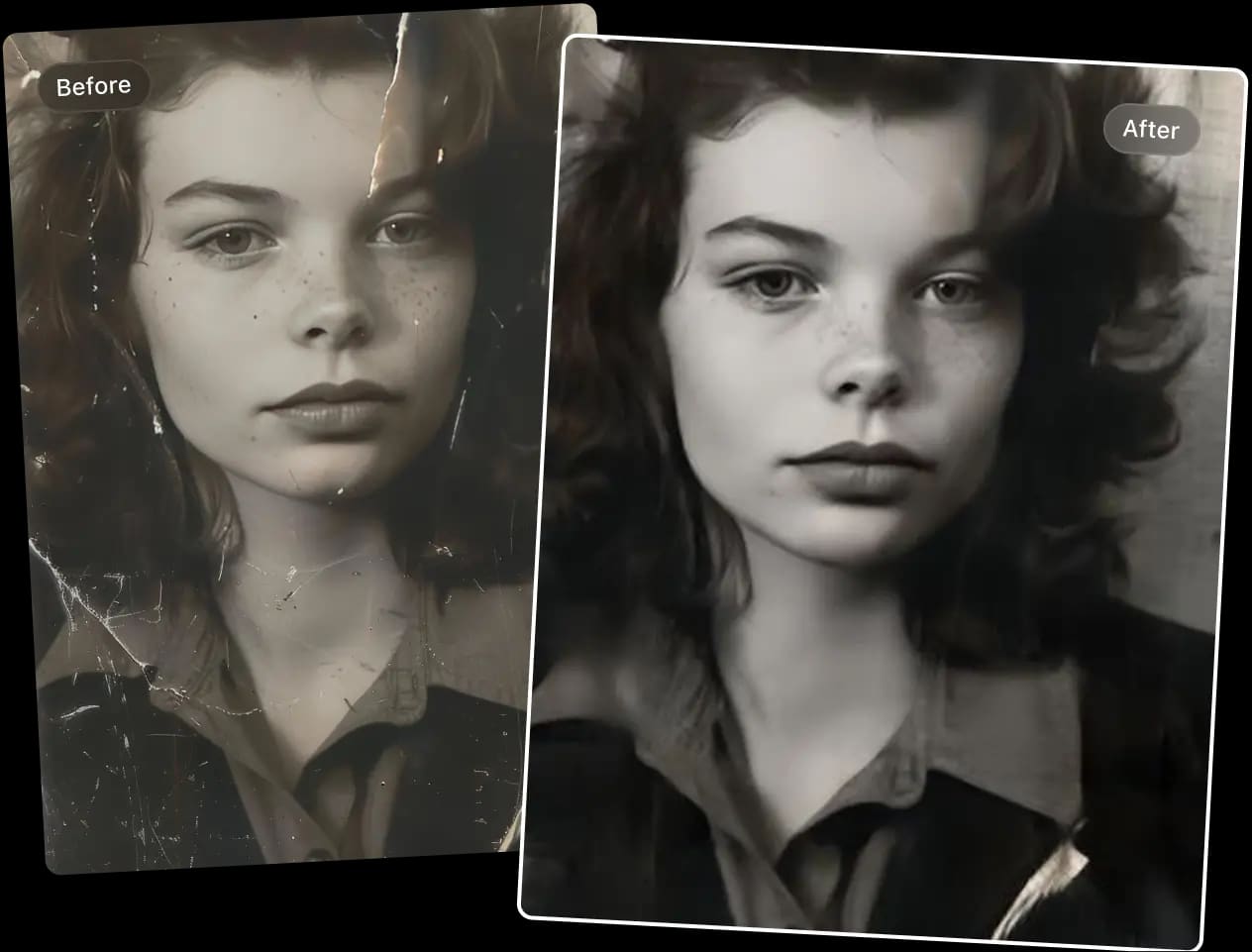
Automatically Fix Old Images for Enhanced Quality
A box of printed photos often holds family history, but time can leave scratches, tears, spots, and surface flaws. ImageColorizer guides you through digital photo repair so beginners can clean damaged photos and recover a more complete image online.
What kinds of marks should I try to repair?
Start with dust spots, narrow scratches or small folds. A nearby area of intact paper or clothing gives you a reference for checking the repair.
Should I clean marks off the physical print first?
A digital repair works on a scan. If a mark might be on the scanner glass, clean the glass and rescan before editing the image.
Can a scratch across a face be removed?
Thin scratches may be reduced using nearby texture. Where a crease hides an eye or mouth, the repair is an estimate. Inspect that area against your original scan.
How do I tell if a fold was repaired cleanly?
Follow the fold across seams, borders and facial features. Check that lines meet on both sides and that repeated textures still line up.
Can Repair reconstruct a missing signature?
A convincing stroke may still be the wrong letter. Keep the original scan and compare with another print before transcribing a name or date.
Should I use repair or sharpening?
Use repair for scratches, spots and creases on a print. Use the enhancer when the surface is intact and the whole scan looks soft.
Can I repair a black-and-white print before colorizing it?
Yes. Save a repaired copy, inspect the damaged area, then open that copy in Colorize if you want a color version too.
Can I repair more than one damaged scan?
Yes. Guests can try one scan. Sign in to queue up to eight, then inspect the damage on each finished image before saving it.
Which files can I add to the queue?
The file picker accepts JPEG, PNG and WebP. Each file can be up to 100 MB. Export a copy in one of these formats if your scanner produces TIFF files.
Can I save one result while the others are processing?
Yes. Use the download button beside a finished photo. The ZIP download becomes available when every photo in the queue has finished.