
AI image colorizer and old photo restoration tools
Add color to a black-and-white photo, restore a faded family print, or repair scratches in a scan. Choose a tool below to get started.
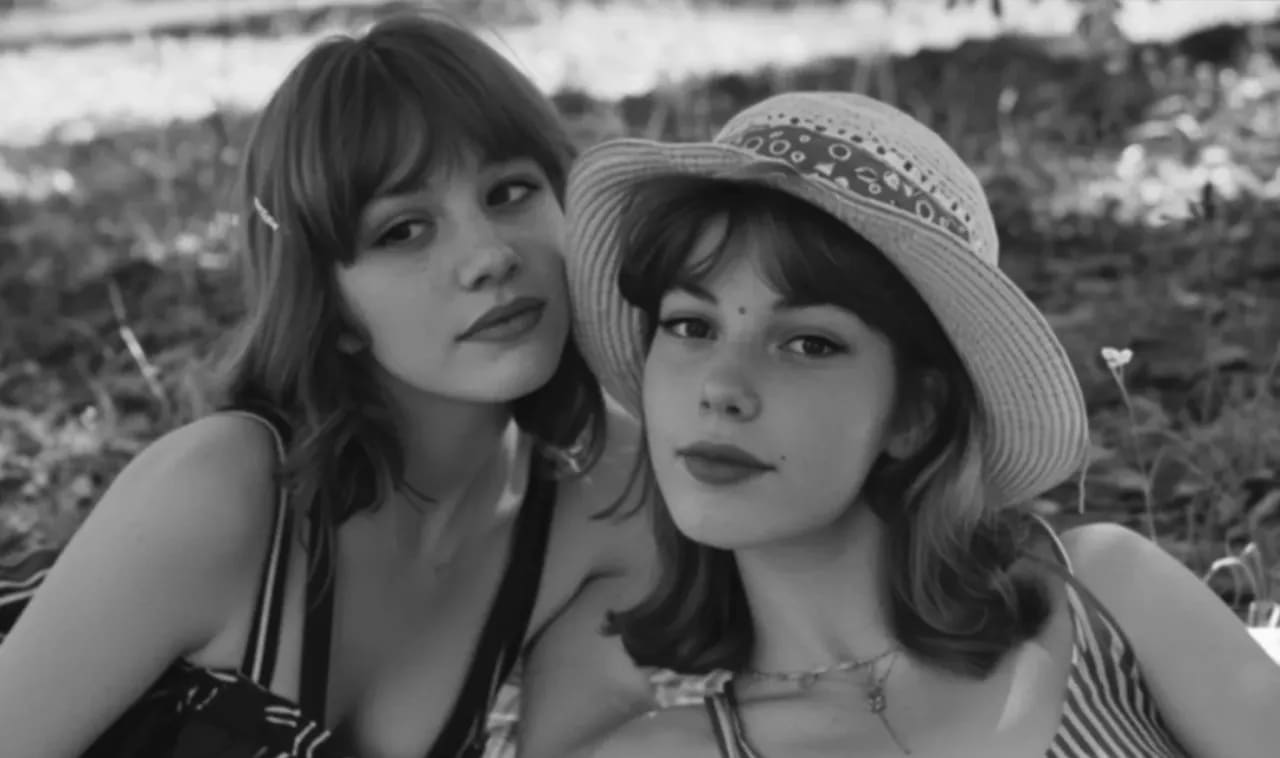

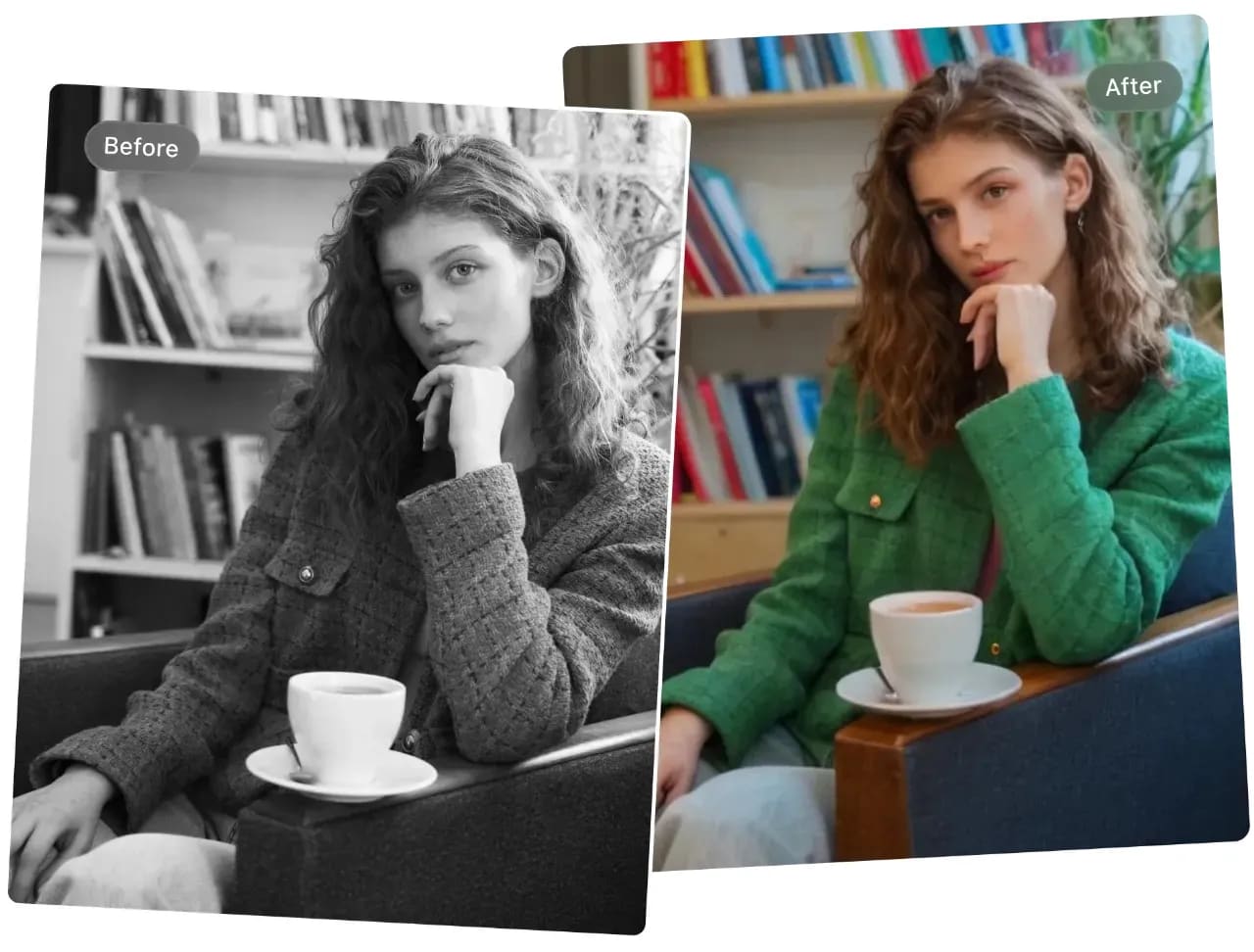
The original scan and the colorized photo, side by side.
Classic photo restoration tools
Start with free credits
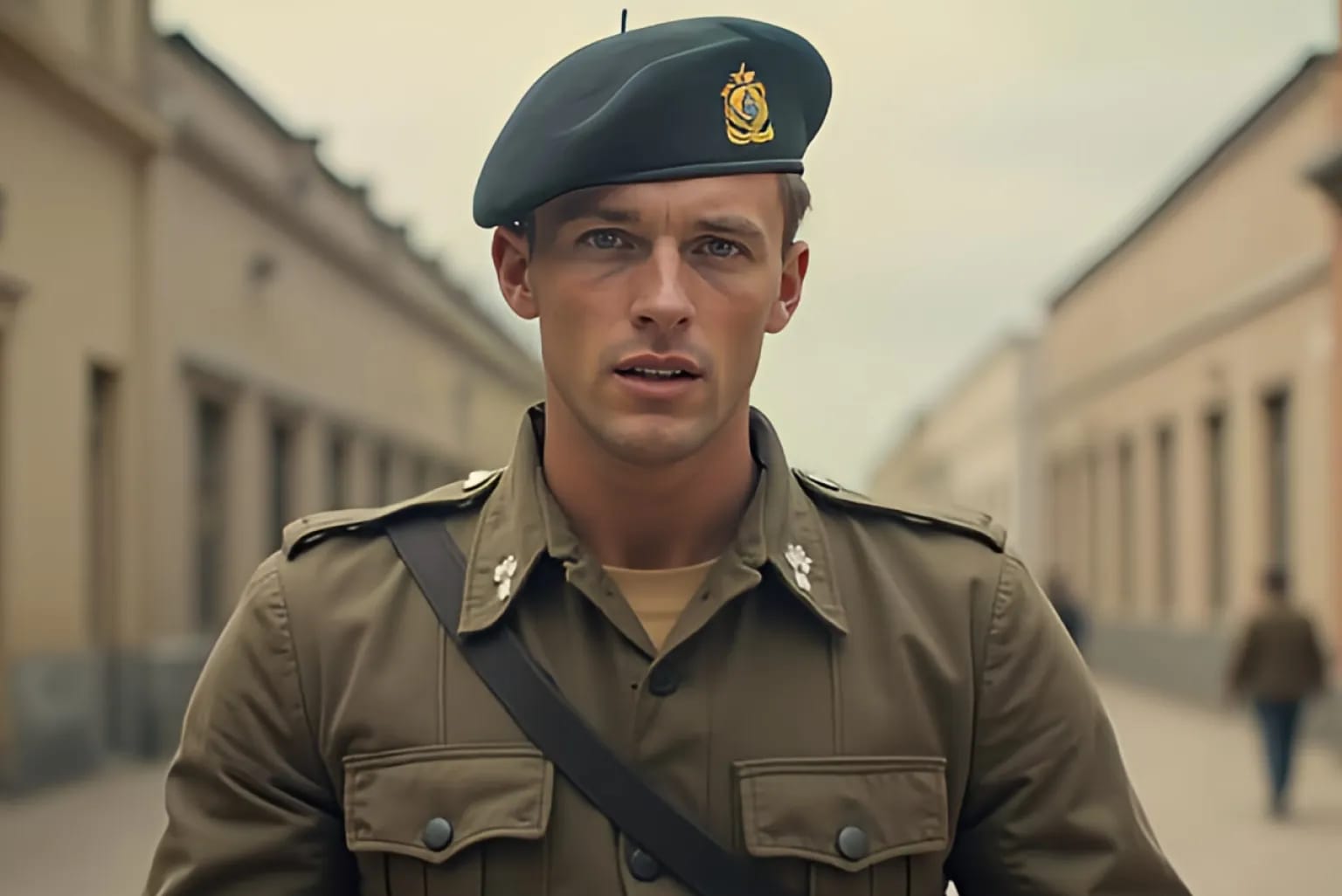
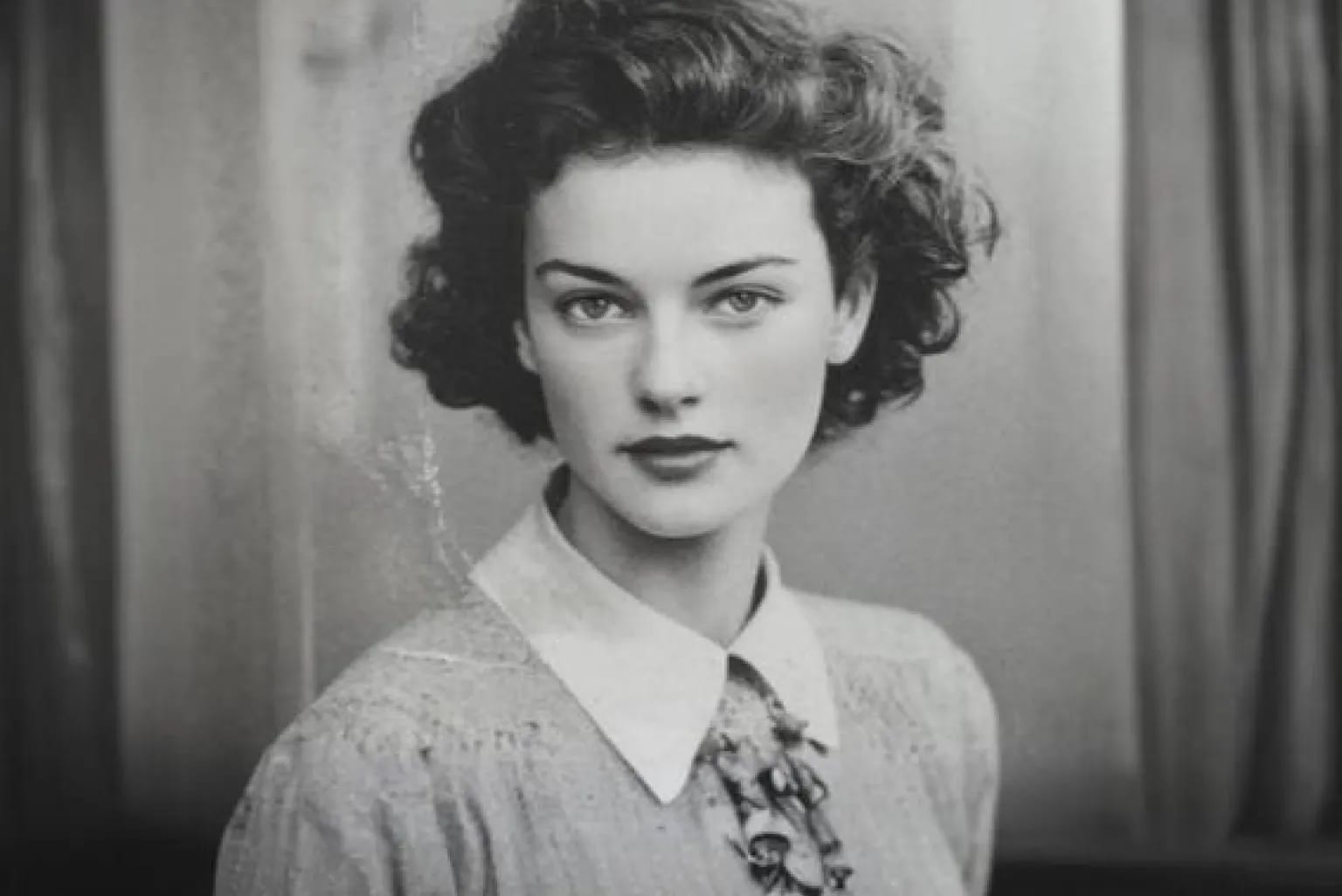
Tools for restoring old family photos
Choose a tool for the part of the photo you want to improve, from a faded face to a scratch across the print.
AI Image Colorizer for Black-and-White Photos
Upload a black-and-white portrait, family snapshot, or historical image and let ImageColorizer add realistic color while preserving the original mood. The AI colorizer helps recover natural skin tones, clothing, scenery, and background details so old photos feel vivid again.
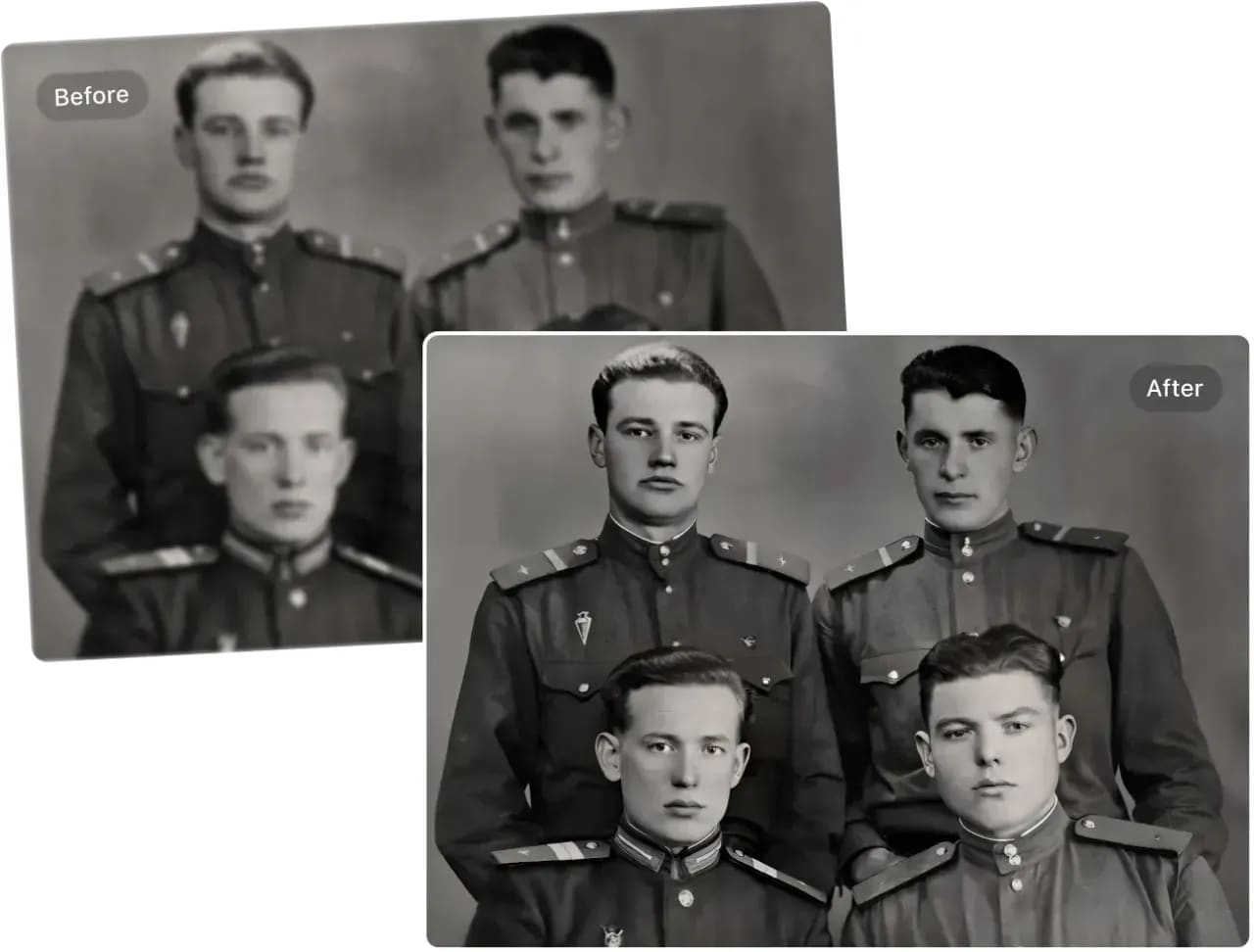
Restore Old Photos and Recover Faded Details
Bring cherished memories back with AI photo restoration for faded, blurry, or time-worn pictures. ImageColorizer improves contrast, clarity, and facial detail while keeping the photo recognizable, making restored images easier to share, archive, or print.
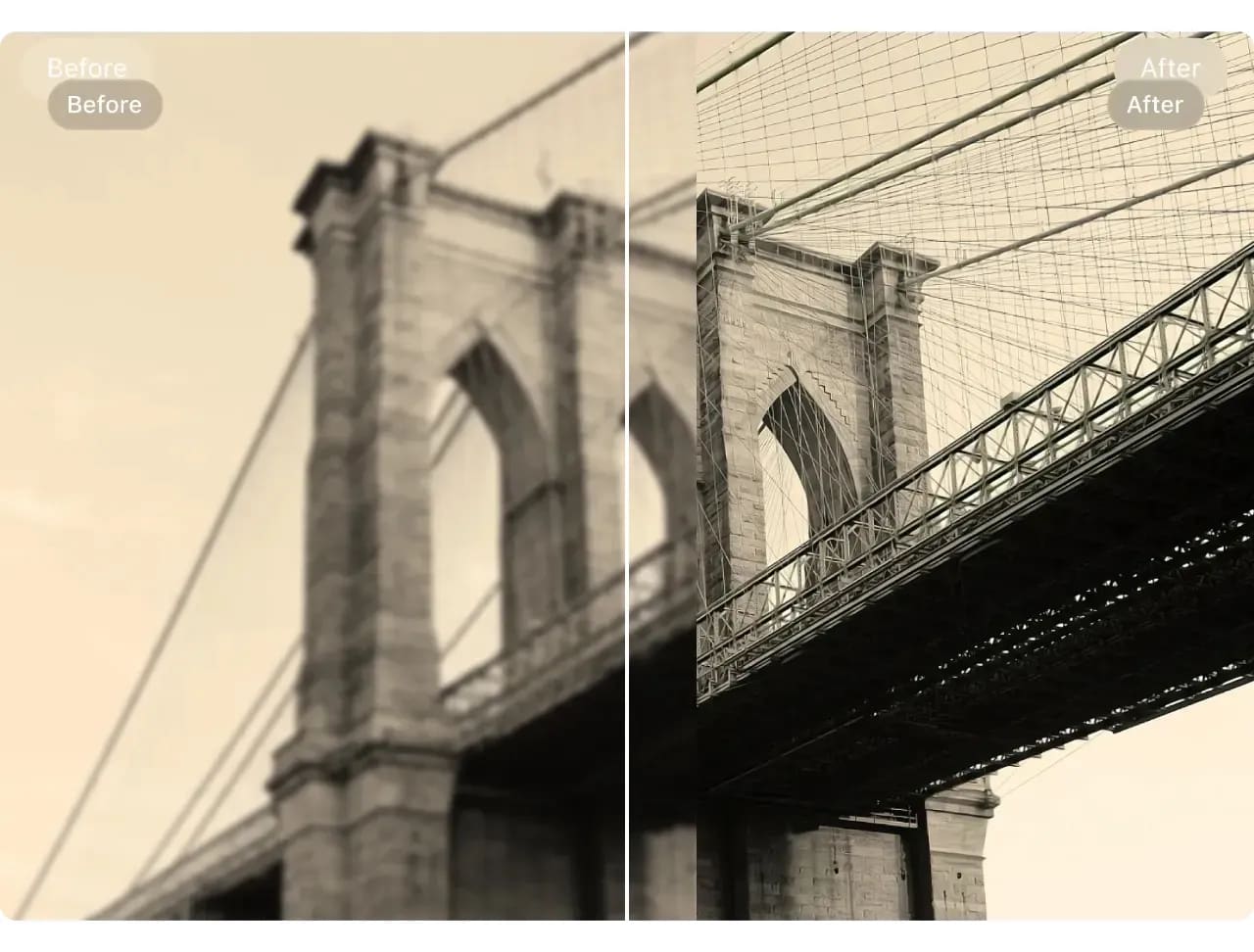
Enhance Blurry Photos and Improve Image Quality
Use the AI photo enhancer to sharpen soft details, improve contrast, and make low-resolution old photos clearer. It is useful for family portraits, buildings, artwork, and vintage images that need a cleaner, more polished look before sharing or printing.
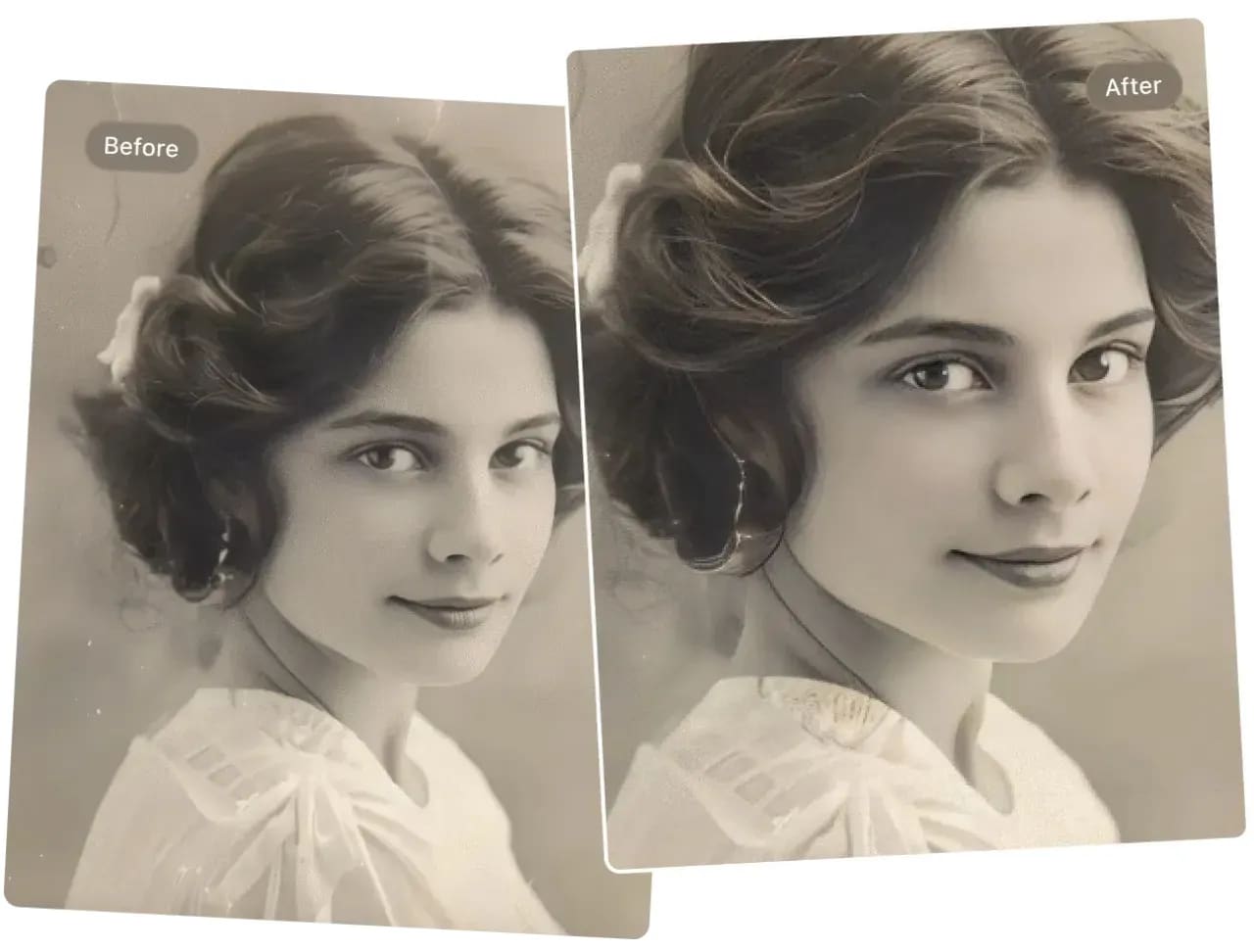
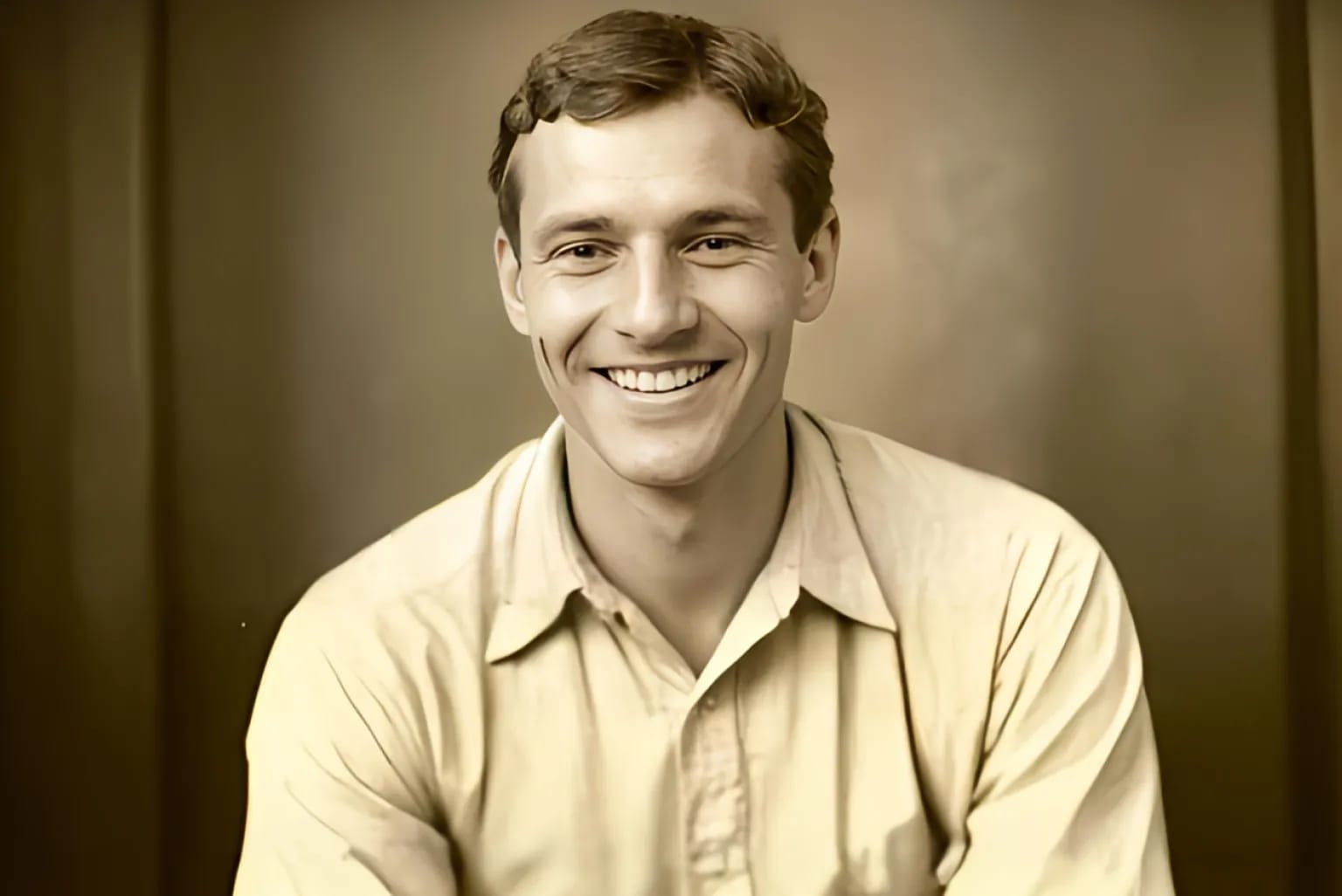
Retouch old portraits
Bring out the eyes and soften noise in an old portrait. Compare the result with the scan to check the person’s expression.
Automatically Fix Scratches, Spots, and Tears with AI Photo Repair
Repair old photos online by reducing scratches, tears, stains, creases, water spots, and other visible damage. The guided workflow helps beginners clean up scanned photos, colorize black-and-white images, and recover a more complete version of important memories.
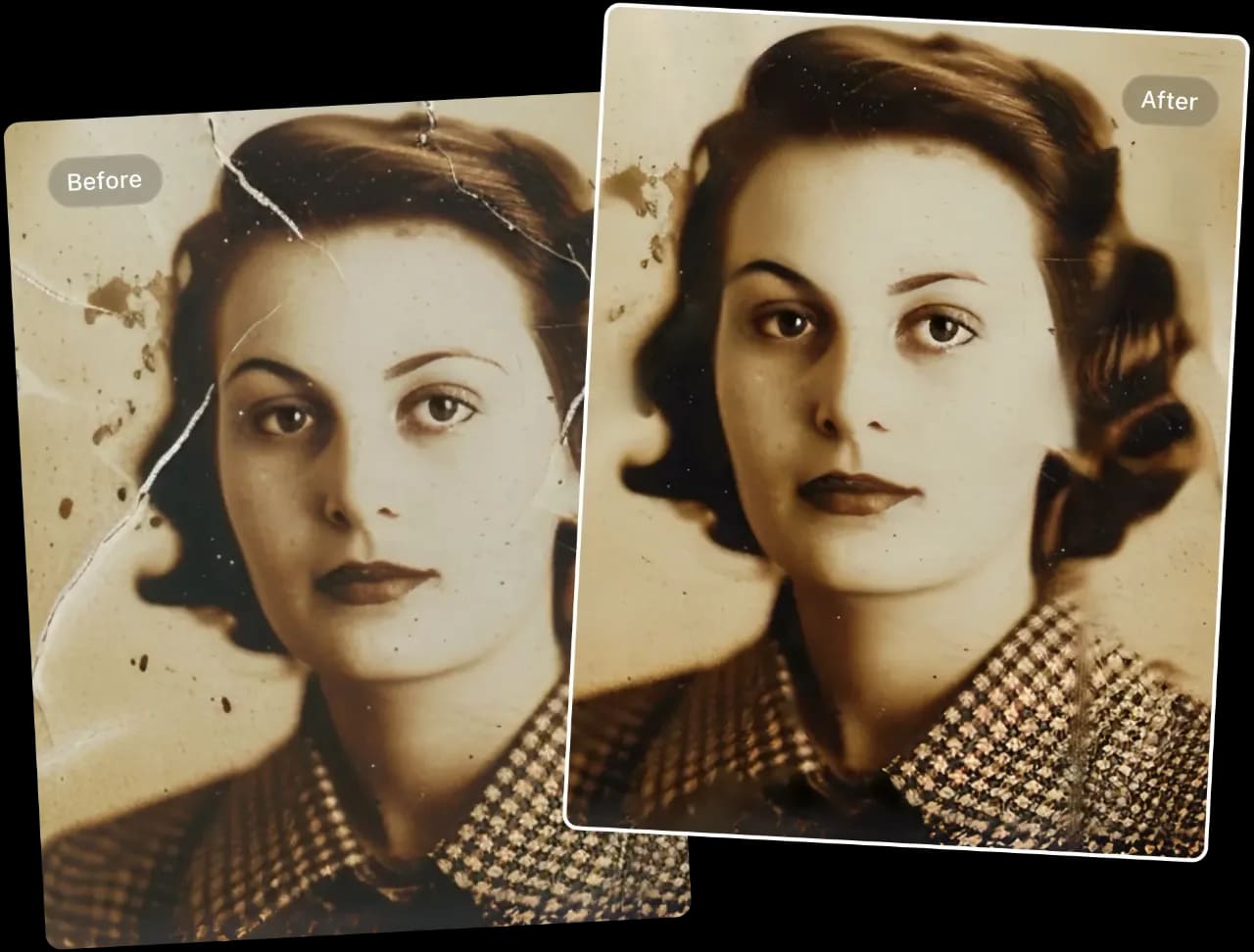
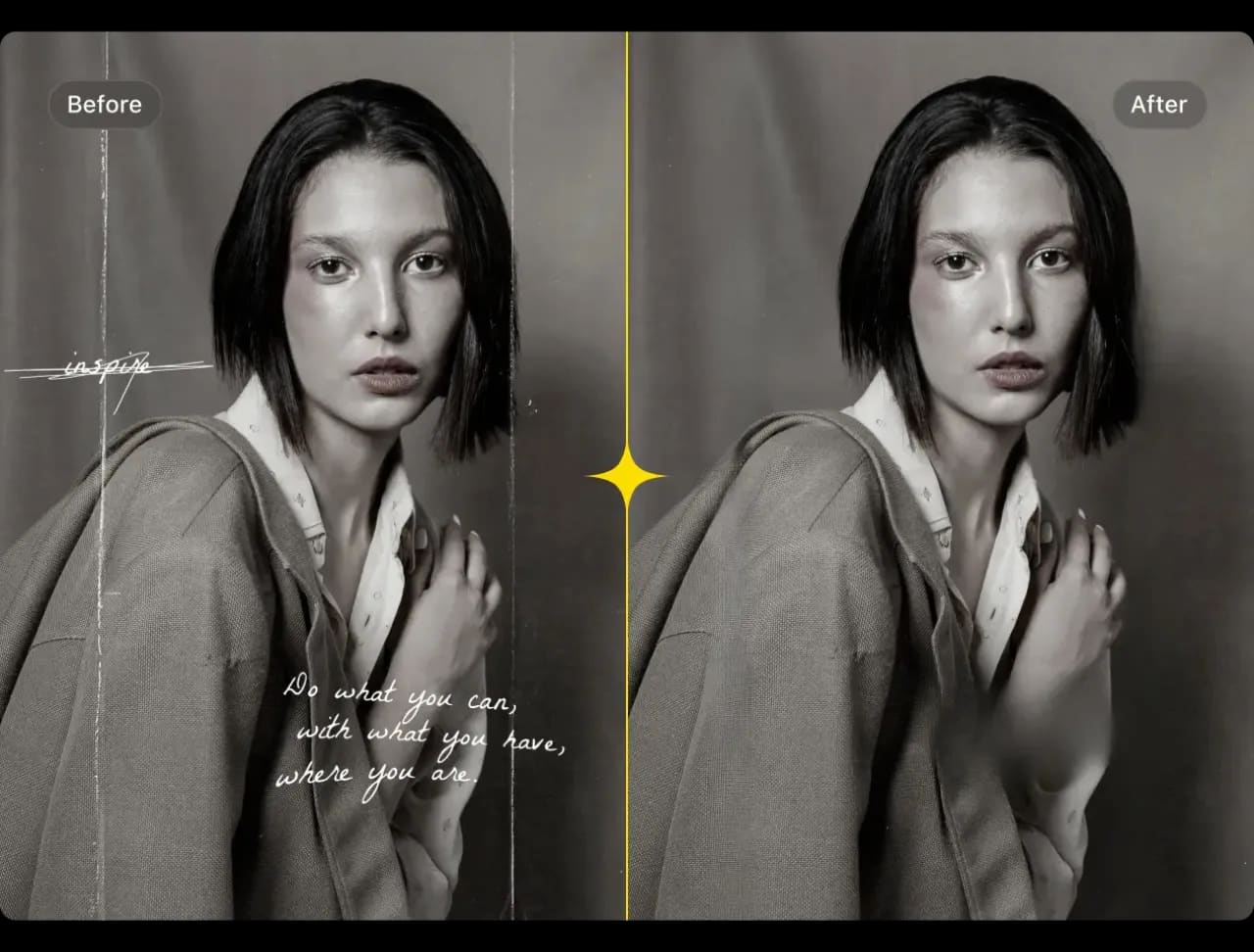
Clean Up Unwanted Objects and Surface Flaws
Clean up old photos by removing creases, scratches, stains, and unwanted distractions with AI. Mark the area you want to fix and let the tool rebuild a cleaner image while preserving the surrounding details.
FixThePhoto compares 10 tools for adding color to black-and-white photos, covering both automatic colorization and manual editing.
What is the best way to restore old photos?
The best way to restore old photos is to scan or upload a clear digital copy, then use AI photo restoration to improve faded detail, repair scratches, enhance faces, and optionally colorize black-and-white images. ImageColorizer combines these tools in one online workspace.
Can I colorize old photos with free credits?
Sign in and select V0 or V1 for free processing. V2 uses 4 credits per photo on metered plans.
Can faded black-and-white photos be restored?
Yes. ImageColorizer can restore faded black-and-white photos by enhancing clarity, improving contrast, repairing visible damage, and optionally adding realistic color.
How long does it take to restore an old picture?
Restoring an old picture with ImageColorizer usually takes a few minutes, depending on the file size, selected model, and processing queue. You can upscale old pictures, add color, retouch faces, repair scratches, and sharpen blurry details from the same account.
How do you clean old and damaged photographs?
You can clean old and damaged photographs with AI photo repair and object cleanup tools. ImageColorizer helps reduce spots, dust, scratches, creases, and distracting marks while keeping the main subject visible.
Can I remove creases from an old photo?
Yes. Use AI Repair to reduce creases, scratches, and surface marks from old photos. The restored result is suitable for sharing, archiving, and preparing family photos for print.
Is there a limit on the number of images I can restore?
You can restore as many photos as your available credits and plan limits allow. Upload size, dimensions, and batch limits may vary by plan.
Why retouch an old portrait with ImageColorizer?
AI retouching helps old portraits look clearer while preserving a natural appearance. ImageColorizer can reduce noise, improve brightness, smooth minor imperfections, and make facial details easier to see.
How can I enlarge old photos while preserving details?
Use AI Restore to enlarge old photos and improve their apparent detail. Results vary by the original scan quality, but the tool is designed to increase resolution, sharpen soft areas, and keep important facial and background details recognizable.
Do you have an old photo restorer for Mac?
Yes, ImageColorizer works on both Windows and Mac. For Mac users, simply download our photo restoration software from this page. Whether you use our web app or desktop app, you’ll get the same excellent service to colorize and enhance your old photos.