
Restore faces in old portraits
Bring out facial details in an old scan. Compare the eyes, hairline and expression with the original portrait.
Add photos to the batch
Drop your photos here or select files from your device.
Up to 8 images for bulk processing
Multiple photos
Portraits to retouch
One-Click AI Retouching for Old Portraits
Revive old portraits with AI retouching that reduces noise, improves brightness, sharpens facial details, and softens minor imperfections. Upload a portrait, start processing, and download a cleaner result without installing desktop editing software.
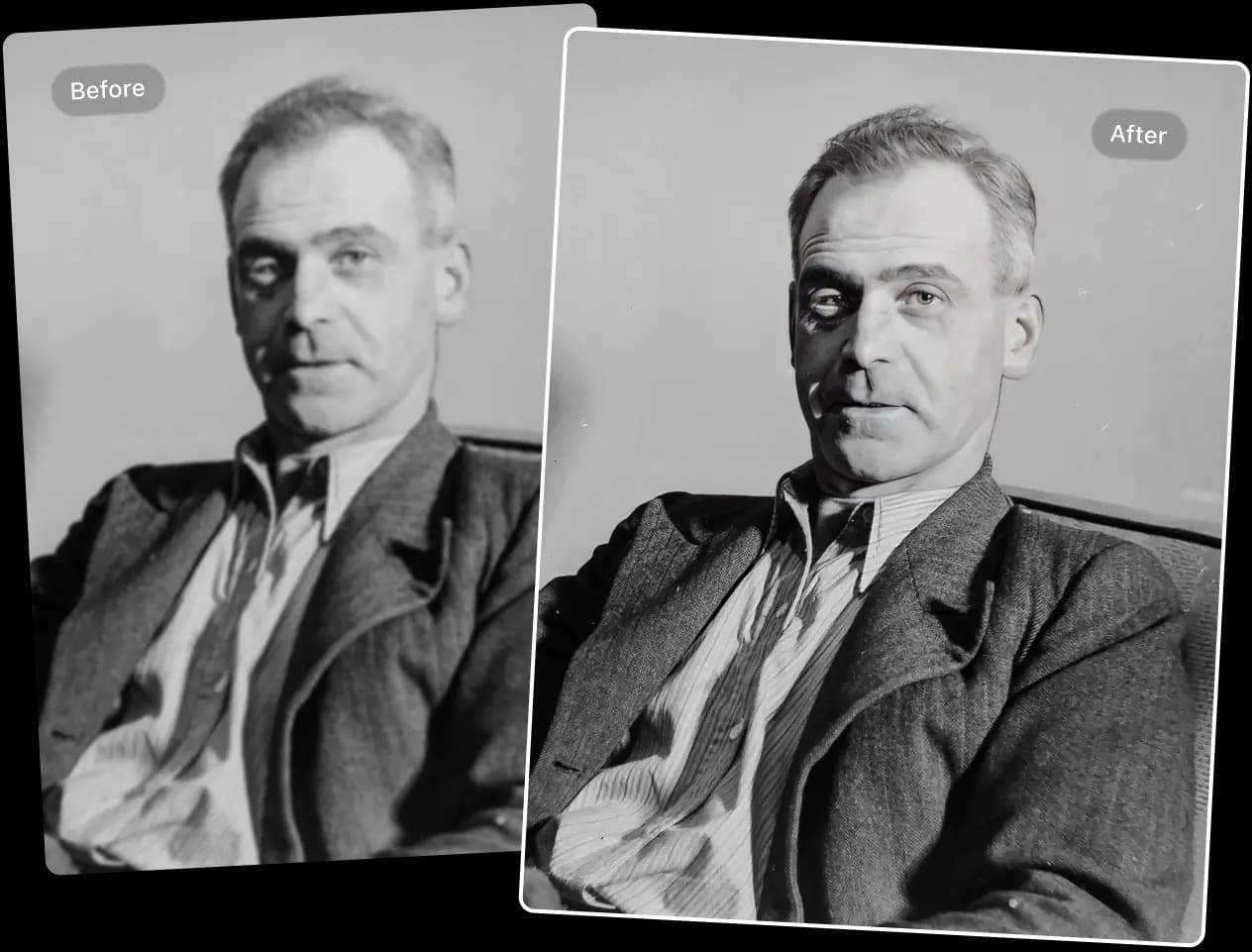
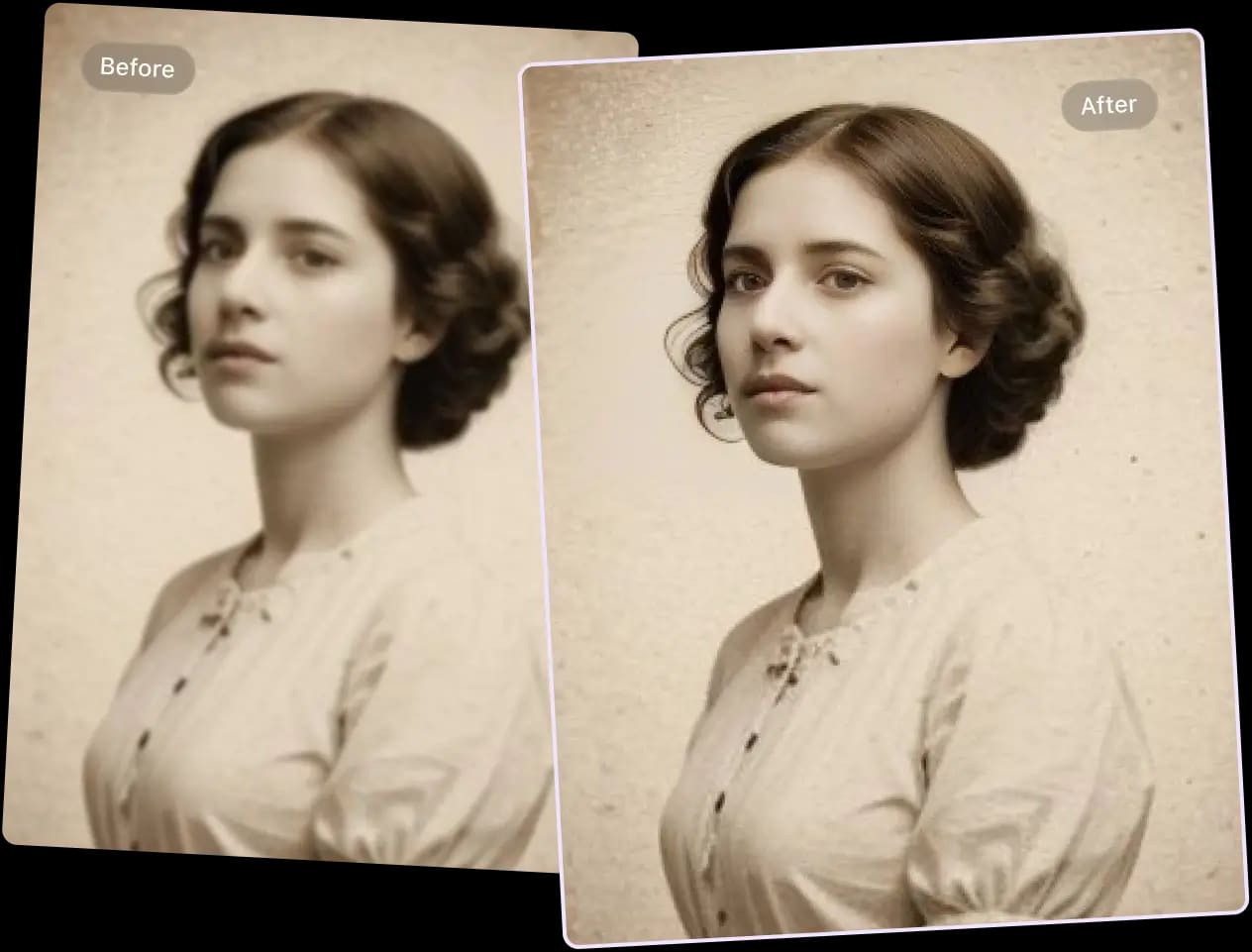
Natural Portrait Retouching with Privacy in Mind
Use AI portrait retouching to prepare old selfies, headshots, and family portraits for sharing, printing, or archiving. Uploaded images are processed for the requested task and handled according to our privacy policy.
Which portraits work best?
Start with a scan where the eyes and mouth are visible. A larger scan of the print gives the tool more facial detail than a small thumbnail.
Can I retouch a face in a group photo?
Try a crop around the person, leaving the full head in frame. Compare it with the group scan to check the shape of the eyes and jaw.
What if one side of the face is hidden?
The model can estimate detail in shadow or behind damage. Use another portrait from the same period to check features that the scan cannot show.
Should I repair a torn portrait before retouching it?
If a tear cuts through the face, repair a copy first. Then retouch that copy and compare the cheek, lip or eyelid along the tear.
How do I check that the likeness is preserved?
Compare the eyes, hairline and expression with the original at the same scale. Keep the scan as your reference when a feature is hard to distinguish.
How can I keep freckles or age lines?
Inspect those details at the same size in the scan and the result. Keep the original as your reference if retouching softens a distinctive mark.
Will retouching help with a blurry background?
Face Retouch is intended for facial features. Use Enhance when you want to sharpen details across the whole photo, including the background.
Can I process several portraits together?
Sign in to queue up to eight portraits, or try one as a guest. Check each person’s likeness separately before downloading the group.
What happens to very large scans?
For this tool, the browser reduces the longest edge to 3,000 pixels before upload if it exceeds that size. Keep the full-resolution scan for your archive.
Can I save one result while the others are processing?
Yes. Use the download button beside a finished photo. The ZIP download becomes available when every photo in the queue has finished.