
Colorize black and white photos with AI
Upload a black-and-white scan to add color to faces, clothing and scenery. Compare the result with the original before saving.
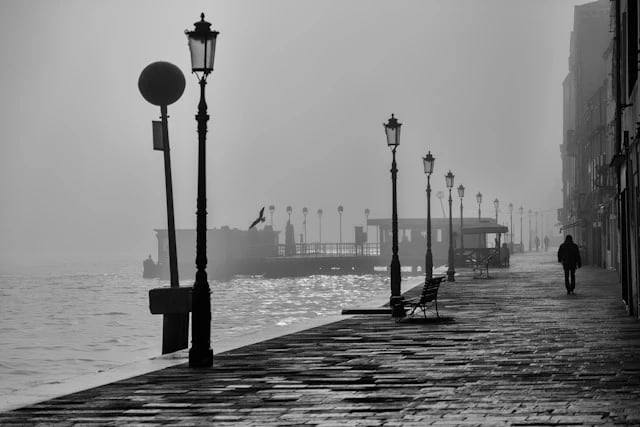
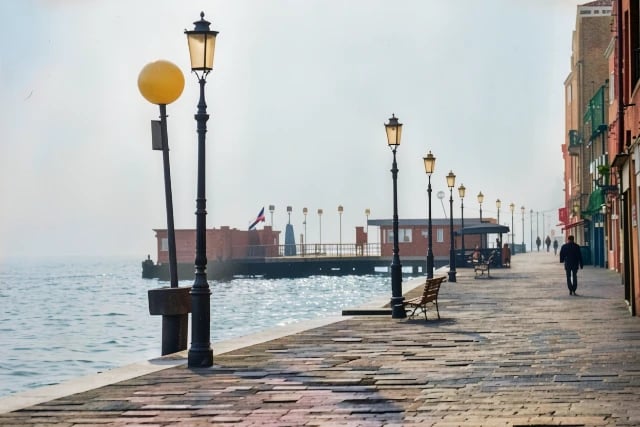
Drop a photo here
Choose a JPG, PNG or WebP file, or paste an image from your clipboard.
Colorize B&W Photo
Choose a colorization model
See Real Colorization Results
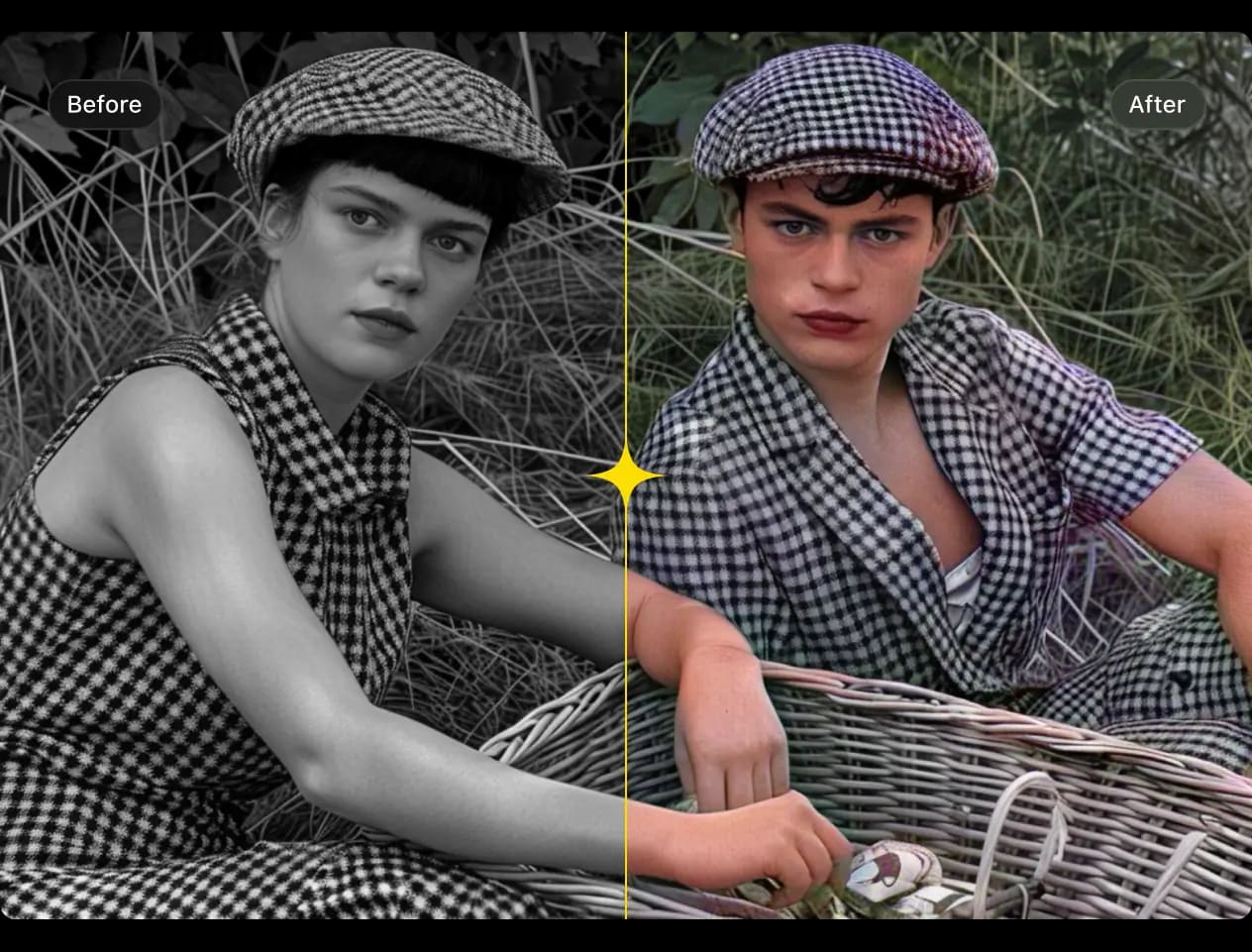
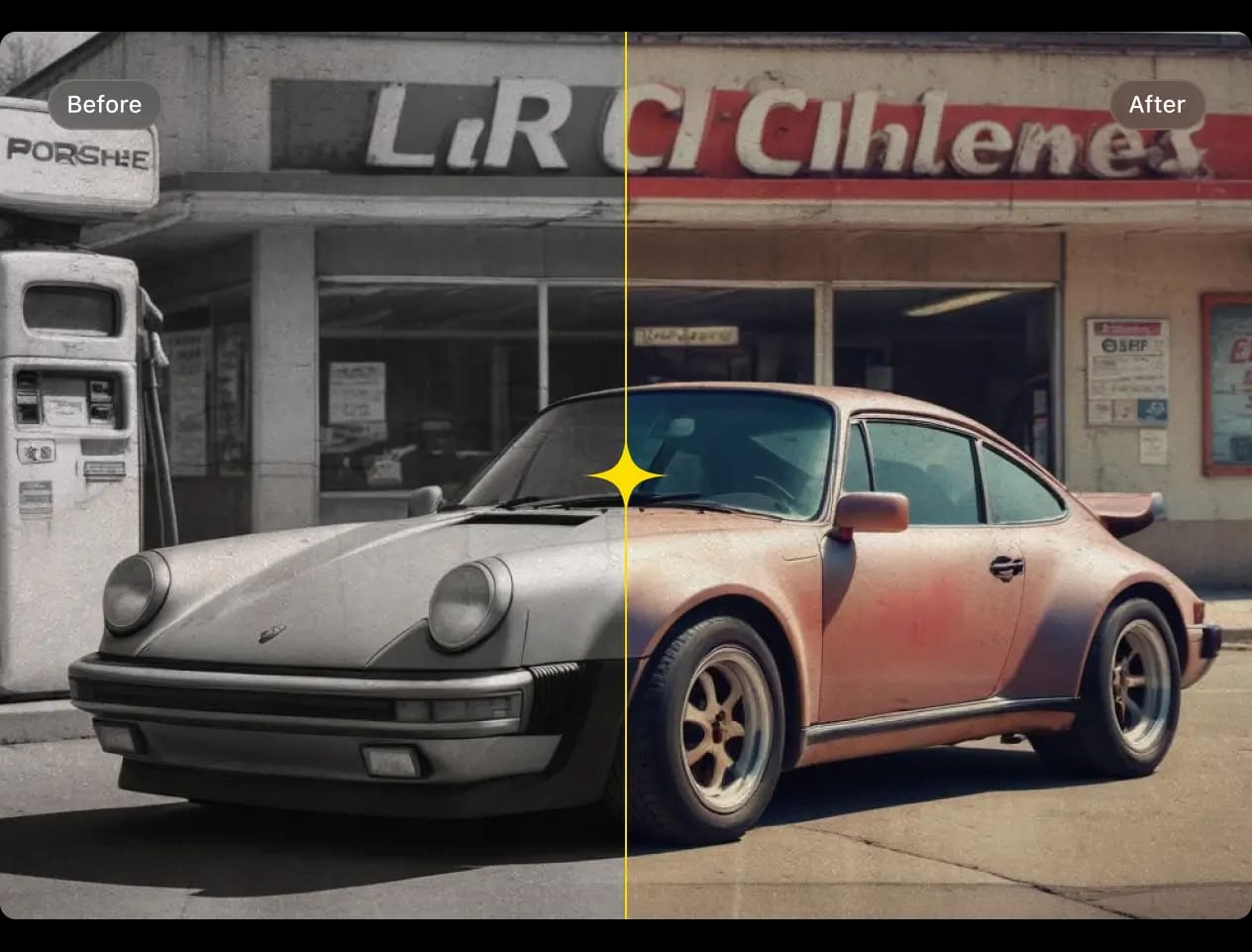
Drag the slider and switch left/right to view three sample comparisons.
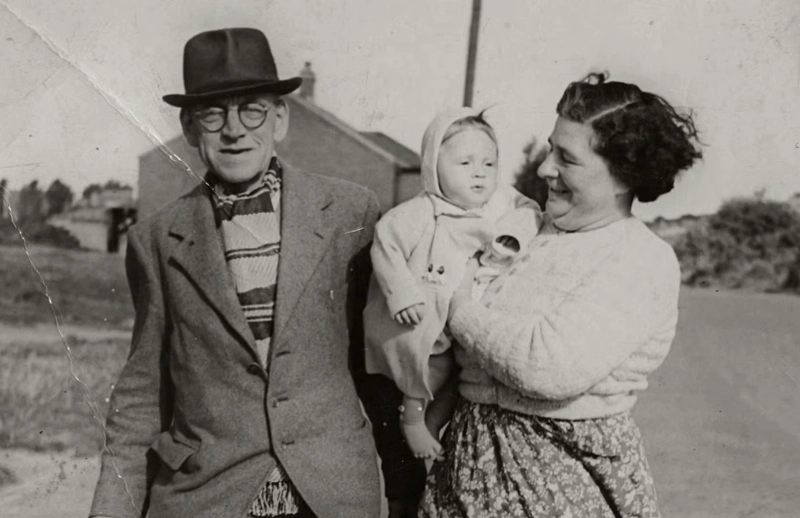
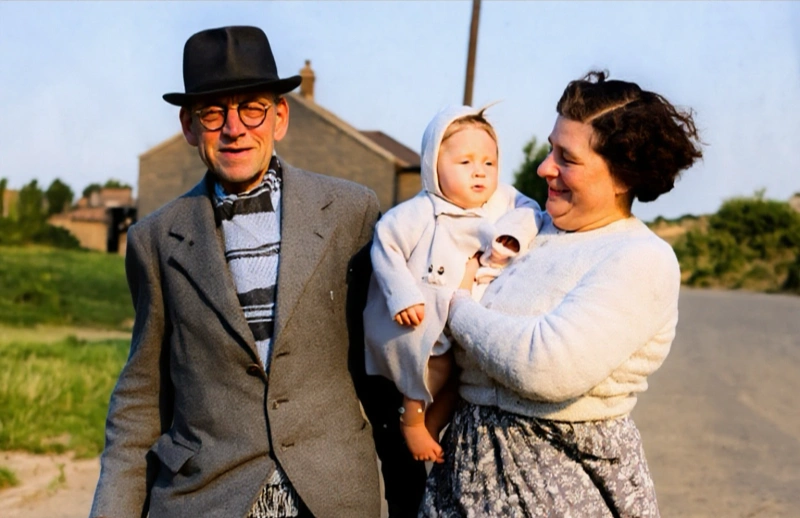
The grayscale family portrait gains a blue sky and green grass behind the baby.
AI Image Colorizer for Old Black-and-White Photos
Colorize old family portraits, historical images, and scanned black-and-white photos with AI. ImageColorizer adds realistic tones to skin, clothing, backgrounds, and scenery while keeping the original character of the photo intact.
Simple Online Photo Colorization for Any Skill Level
Create an account, upload your image, choose a model, and let the AI handle the colorization. The workflow is designed for beginners while still giving you model options for different photo types and restoration goals.
How do I colorize my first black-and-white photo?
Choose a scan or try a sample, select a model and start processing. In the result view, hold the compare button to see the original tones again.
Can I colorize a photo for free?
Sign in and select V0 or V1 for free processing. V2 uses 4 credits per photo on metered plans.
Will the colors match the original scene?
The model estimates colors from the grayscale image. If you know a detail, such as the color of a uniform, describe it in the V2 prompt and compare the result.
Can I use a faded or sepia print?
Yes. Scan the print in even light. Check that you can still see the boundary between a face, its hair and the background. Those edges help the model place color.
Should I fix scratches before adding color?
If a scratch runs across someone’s face or clothing, repair a copy first. Colorizing the repaired copy can keep the scratch from picking up color along its edges.
What should I write in a color prompt?
Name the object and its known color, such as “navy jacket, white collar.” Leave details you are unsure of open so you can judge them in the preview.
Why did the same gray turn into two different colors?
Different colors can produce the same shade of gray in a print. The model uses context, so a gray patch in the sky can receive a different color from one on a coat.
How long should I leave the page open?
Keep the tab open until the result appears and you can download it. Processing time varies with the model and queue.
Will processing replace my original file?
The tool works on an uploaded copy. Download the result with a different name if you want to keep both versions in the same folder.
Can I colorize a whole album?
Use Batch Colorize for several scans with the same settings. Use the single-photo colorizer when one picture needs its own color instructions.