
Colorize and restore old photos on mobile
Download the Colorize app for iOS, iPad, Mac, or Android to add realistic color, enhance clarity, and restore old family photos from your phone or tablet.


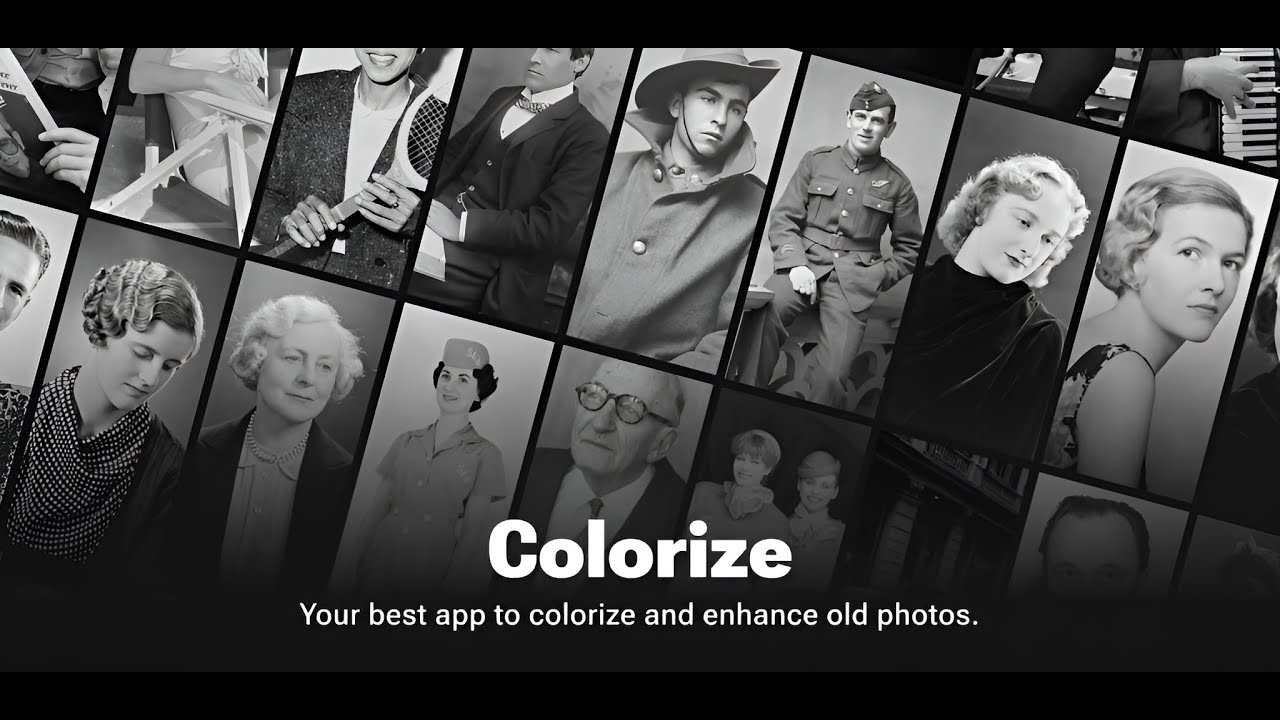
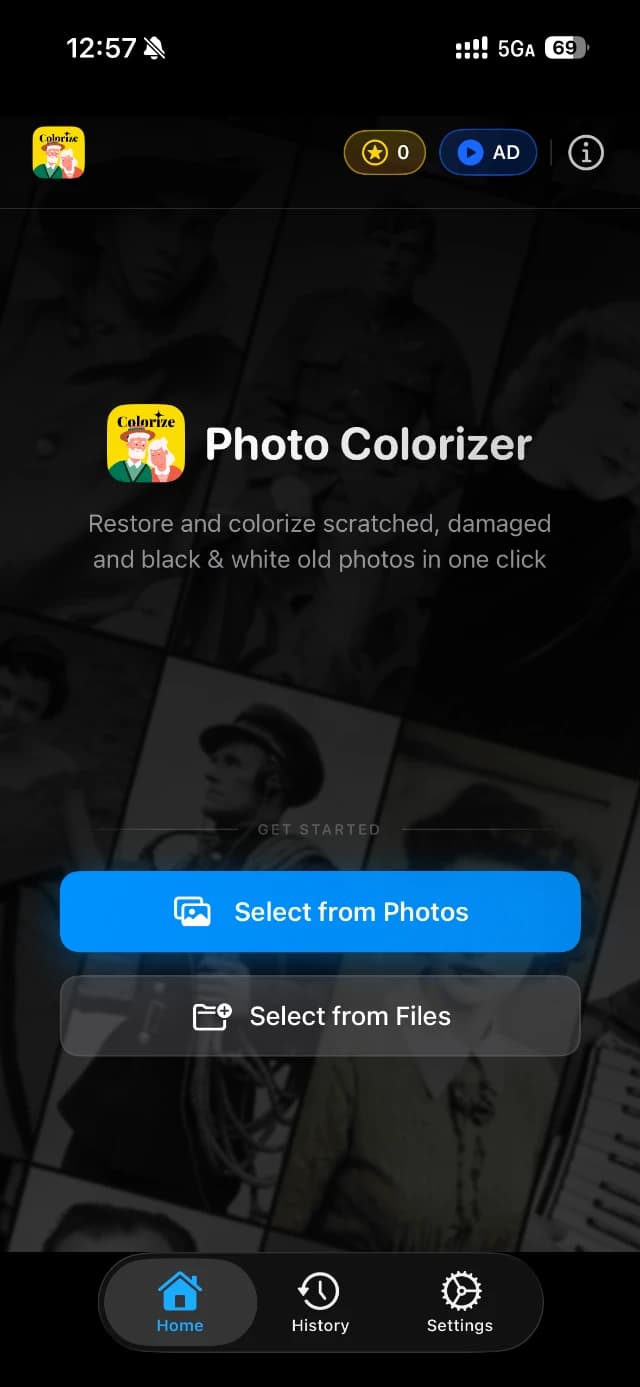
Install the Colorize app from the App Store, Google Play, or Mac download page, then upload an old photo from your device.
Choose Colorize, Enhance, or Retouch depending on whether you want realistic color, clearer details, or portrait improvement.
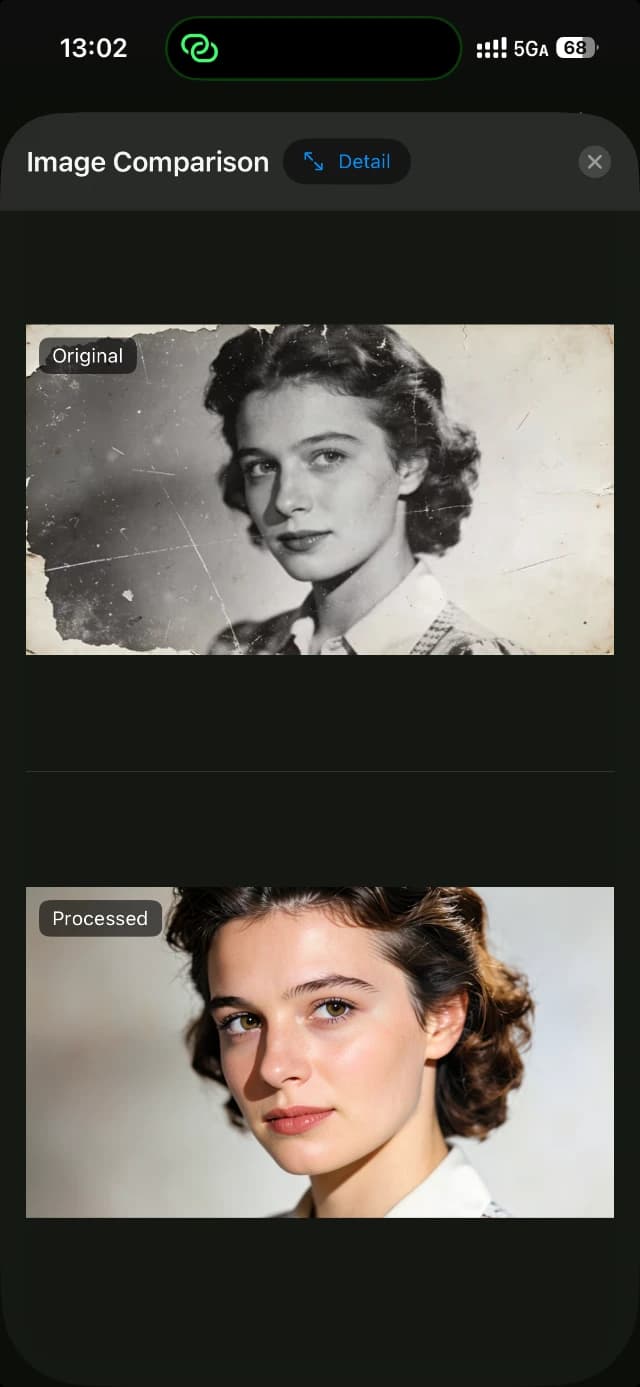
Preview the processed result and save the restored photo back to your album in seconds.
What is the best way to restore old photos?
The best way to restore old photos is to scan or upload a clear digital copy, then use AI photo restoration to improve faded detail, repair scratches, enhance faces, and optionally colorize black-and-white images. ImageColorizer combines these tools in one online workspace.
Can I colorize old photos with free credits?
Yes. You can create a free account and use available credits to try ImageColorizer's AI photo colorizer. Paid plans add more monthly credits, higher limits, batch processing, and an ad-free workflow.
Can faded black-and-white photos be restored?
Yes. ImageColorizer can restore faded black-and-white photos by enhancing clarity, improving contrast, repairing visible damage, and optionally adding realistic color.
How long does it take to restore an old picture?
Restoring an old picture with ImageColorizer usually takes a few minutes, depending on the file size, selected model, and processing queue. You can upscale old pictures, add color, retouch faces, repair scratches, and sharpen blurry details from the same account.
How do you clean old and damaged photographs?
You can clean old and damaged photographs with AI photo repair and object cleanup tools. ImageColorizer helps reduce spots, dust, scratches, creases, and distracting marks while keeping the main subject visible.
Can I remove creases from an old photo?
Yes. Use AI Repair to reduce creases, scratches, and surface marks from old photos. The restored result is suitable for sharing, archiving, and preparing family photos for print.
Is there a limit on the number of images I can restore?
You can restore as many photos as your available credits and plan limits allow. Upload size, dimensions, and batch limits may vary by plan.
Why retouch an old portrait with ImageColorizer?
AI retouching helps old portraits look clearer while preserving a natural appearance. ImageColorizer can reduce noise, improve brightness, smooth minor imperfections, and make facial details easier to see.
How can I enlarge old photos while preserving details?
Use AI Restore to enlarge old photos and improve their apparent detail. Results vary by the original scan quality, but the tool is designed to increase resolution, sharpen soft areas, and keep important facial and background details recognizable.
Do you have an old photo restorer for Mac?
Yes, ImageColorizer works on both Windows and Mac. For Mac users, simply download our photo restoration software from this page. Whether you use our web app or desktop app, you’ll get the same excellent service to colorize and enhance your old photos.